WinRAR Hidden Easter Egg: How to Find the Secret Waves, Sailboat, and Falling Books
You have probably used WinRAR hundreds of times. Maybe thousands. You open it, extract a file, close it, and move on with your life.
But here is something wild. WinRAR has been hiding a secret from you this entire time.
There are hidden easter eggs buried inside WinRAR that most people have never seen. We are talking about animated ocean waves, a tiny sailboat, and a stack of books that falls over when you click on them. And the craziest part? These easter eggs have been hiding in there since 1999.
I tested this myself on WinRAR 7.x, and both easter eggs still work perfectly in 2026. Let me show you exactly where to find each one.
What Is an Easter Egg in Software?
A software easter egg is a hidden message, animation, or mini-feature that a developer puts inside a program as a fun surprise. It has nothing to do with what the software is supposed to do. It is there for people who are curious enough to find it.
The name comes from real Easter egg hunts. In software, you “hunt” for hidden surprises that the developer tucked away somewhere inside the program.
This tradition goes back to the late 1970s. A programmer named Warren Robinett hid his name inside an Atari 2600 game called Adventure because Atari would not let programmers take credit for their work. When a player found it, Atari almost removed it. But then Steve Wright, the director of software development at Atari, suggested keeping it and encouraging more of these hidden surprises. He was the one who coined the term “easter egg” for software.
Since then, companies like Google, Microsoft, Mozilla, and Apple have all placed fun secrets inside their products. WinRAR is part of that same tradition.
Who Made WinRAR and Why Does It Have Easter Eggs?
WinRAR was created by Eugene Roshal, a Russian software engineer born in 1972. He built the RAR file format in 1993. RAR stands for Roshal Archive, named after himself. Two years later, in 1995, he released WinRAR as a graphical Windows application for compressing and extracting files.
His older brother, Alexander Roshal, holds the copyright for the RAR compression algorithm. This arrangement allows Eugene to focus entirely on developing and maintaining the software.
Over the years, WinRAR became one of the most widely used file compression tools in the world, with over 500 million users. And somewhere along the way, Eugene or someone on his development team decided to hide a couple of playful surprises inside the program.
These easter eggs have survived every version update for over 25 years. That tells you something about the people behind WinRAR. They care about little details, even the ones most users will never notice.
How Do You Find the WinRAR Hidden Easter Egg?
WinRAR has two hidden easter eggs, and both are found in the same place: the “About WinRAR” window. Here is how to find each one, step by step.
Easter Egg #1: The Ocean Wave Animation
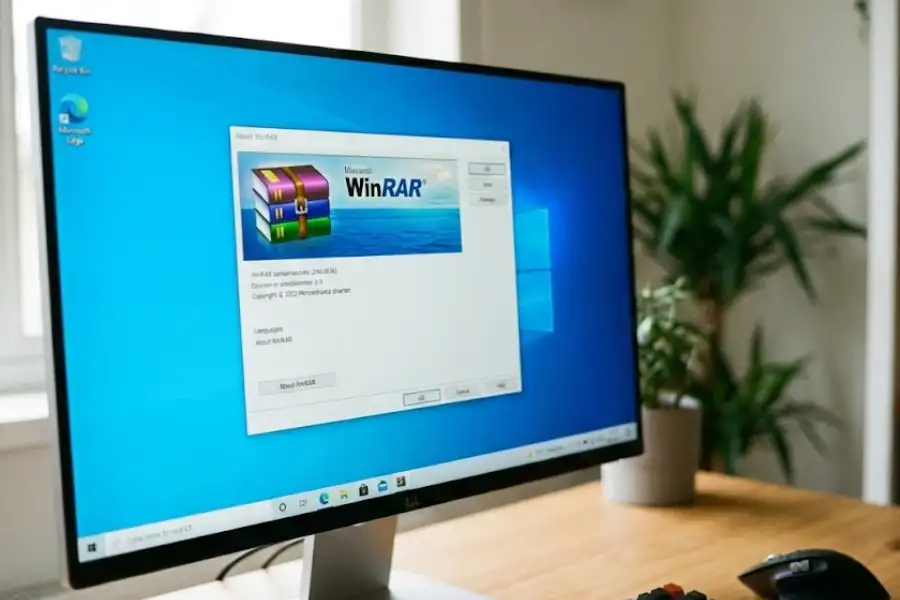
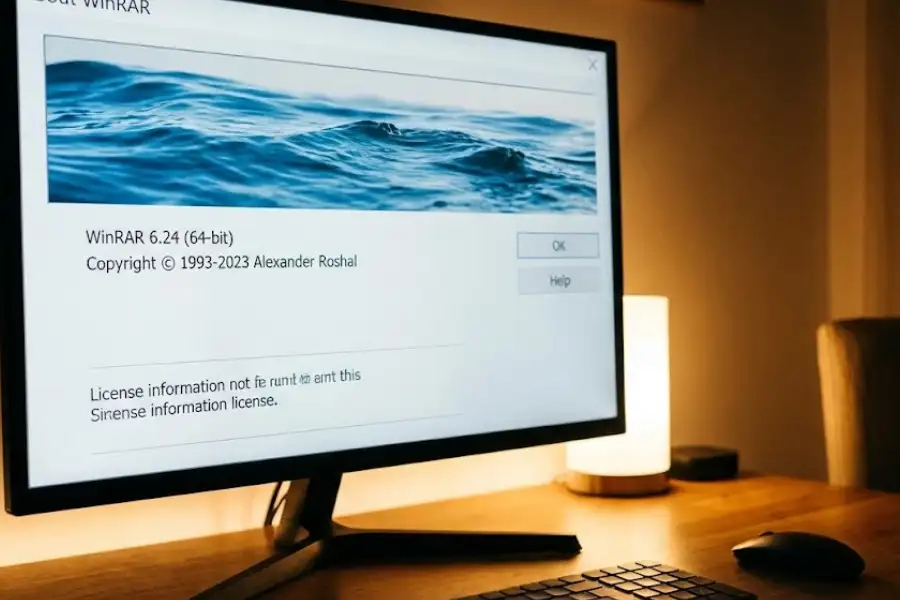
The first WinRAR easter egg is an animated ocean wave that appears when you click the banner image in the About window.
Steps to find it:
- Open the WinRAR application on your computer. Do not just right-click a file. Open the full WinRAR program from your Start Menu or desktop shortcut.
- Click Help in the top menu bar.
- Click About WinRAR from the dropdown list.
- Look at the banner image at the top of the About window. You will see the WinRAR logo with a stack of books and the sea in the background.
- Click directly on that banner image.
The moment you click, the water in the background starts moving. You can see waves gently lapping back and forth, like a tiny animated ocean living right inside your file compression program.
I tried this on both Windows 10 and Windows 11. It works the same on both.
How Do You See the Secret Sailboat in WinRAR?
There is actually a second layer to this easter egg that most guides miss. While the ocean waves are still moving, you can make a sailboat appear.
Steps to find the sailboat:
- Keep the About WinRAR window open (with the waves already moving).
- Hold down the Shift key on your keyboard.
- While holding Shift, click on the banner image again.
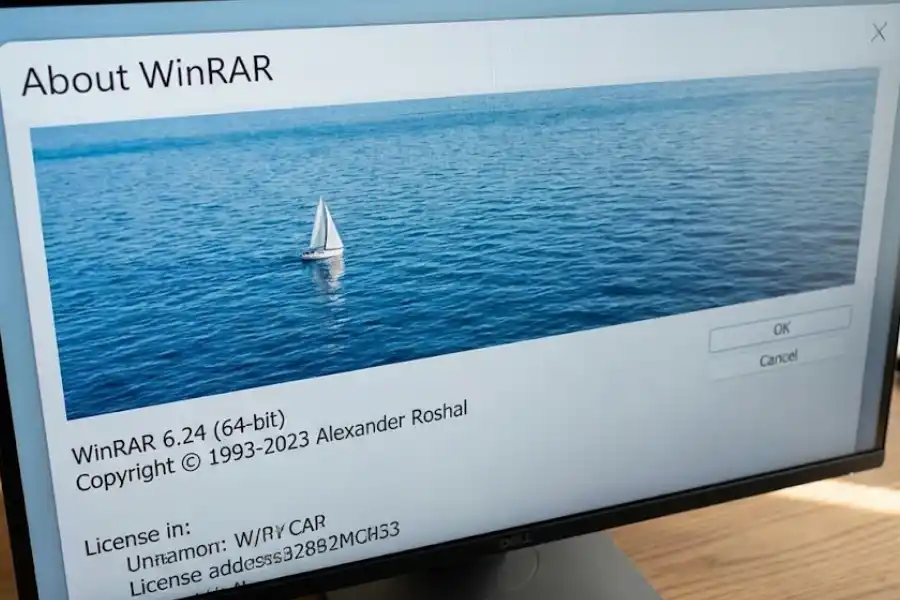
A small sailboat shows up and slowly drifts across the ocean from one side of the banner to the other. The waves continue to move around it as it sails.
This is such a small, quiet little detail. Someone took the time to code a tiny boat sailing across a tiny sea inside a file archiver. It has been there since the late 1990s and most WinRAR users have never noticed it.
Easter Egg #2: The Falling Books Animation
The second WinRAR easter egg is even quicker to find. It happens in the same About window.
Steps to find it:
- Open WinRAR.
- Go to Help, then About WinRAR.
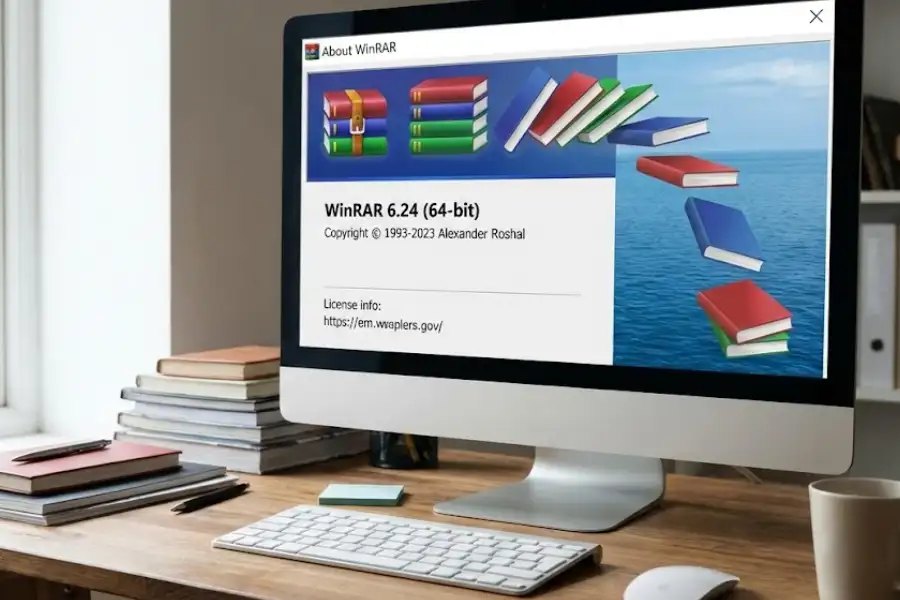
- Look at the stack of books icon in the About window. These books are part of the WinRAR logo.
- Click directly on the stack of books.
The books wobble and then tumble over, falling down like someone just knocked them off a shelf.
According to multiple sources, this animation has been inside WinRAR since version 2.50, which was released around March 1999. That means it has been sitting there, waiting for someone to notice, for over 25 years.
Do the WinRAR Easter Eggs Still Work in the Latest Version?
Yes. Both WinRAR easter eggs still work in the latest version as of February 2026. I tested them on WinRAR version 7.x running on Windows 11, and both animations triggered without any issues.
Here is a quick compatibility summary:
| WinRAR Version | Ocean Waves | Sailboat (Shift+Click) | Falling Books |
|---|---|---|---|
| WinRAR 2.50 (1999) | Yes | Yes | Yes |
| WinRAR 3.x / 4.x | Yes | Yes | Yes |
| WinRAR 5.x | Yes | Yes | Yes |
| WinRAR 6.x | Yes | Yes | Yes |
| WinRAR 7.x (2025/2026) | Yes | Yes | Yes |
Eugene Roshal and his team have never removed these easter eggs. They have survived every single version update for more than two decades.
Why Do Software Developers Hide Easter Eggs?
Developers hide easter eggs in software for several reasons, and the practice has a long history going back to the 1970s.
- Personal credit. In the early days of software, companies would not let programmers put their names on products. Easter eggs were one of the few ways a developer could say “I built this” without getting fired. Warren Robinett’s hidden name in the Atari game Adventure (1979) is the most famous example of this.
- Creative expression. Software development is detailed, repetitive work. Hiding a fun surprise gives developers a small creative outlet inside an otherwise strict project.
- Rewarding curious users. Easter eggs only show up if you look for them. They are a small reward for people who click on things, poke around, and pay attention to details.
- Building a human connection. When you find a hidden animation inside a program you use every day, it changes how you feel about that software. It stops being faceless and becomes something a real person made with care.
What Other Software Has Famous Easter Eggs?
WinRAR is far from the only program with hidden easter eggs. Here are some of the most well-known ones, along with how to trigger each one:
| Software | Easter Egg | How to Trigger It |
|---|---|---|
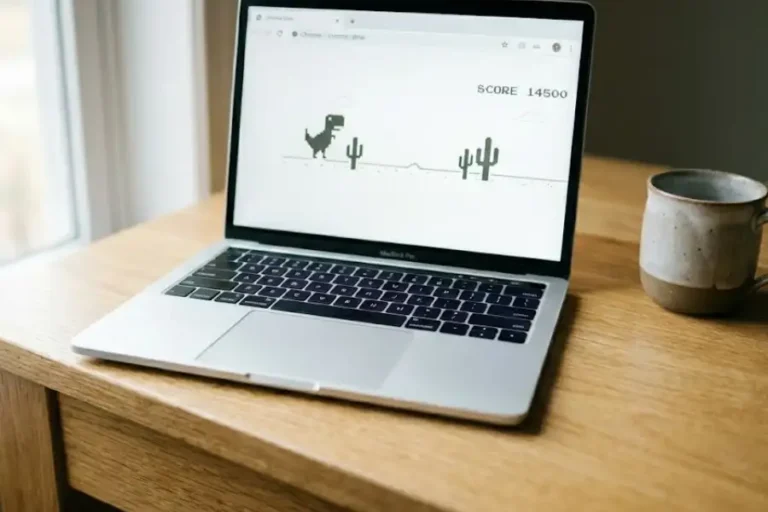
| Google Chrome | T-Rex Dinosaur Game | Disconnect from the internet, open Chrome, and press spacebar on the “No Internet” screen. You can also type chrome://dino in the address bar. |
| Google Search | Barrel Roll | Type “do a barrel roll” into Google Search. The entire results page spins around 360 degrees. |
| Mozilla Firefox | Book of Mozilla | Type about:mozilla in the Firefox address bar. A fictional “Book of Mozilla” verse appears on a red page. |
| Mozilla Firefox | Robot Message | Type about:robots in the address bar. A humorous message from fictional robots appears. |
| VLC Media Player | Christmas Hat on Icon | Open VLC during December. The traffic cone icon automatically wears a tiny Santa hat. |
| VLC Media Player | Video Puzzle Game | Go to Tools, then Effects and Filters, then Video Effects, then Geometry, then check “Puzzle Game.” Your video turns into a jigsaw puzzle. |
| Microsoft Edge | Surf Game | As detailed in our full guide on Edge Surf Cheats, typing edge://surf loads a full surfing mini-game. |
| Android (Every Version Since 2.3) | Hidden Android Easter Egg | Go to Settings, then About Phone, then tap “Android version” several times quickly. Each Android version has a different interactive easter egg. |
| Microsoft Excel 97 | Hidden Flight Simulator | In Excel 97, a hidden flight simulator could be triggered through a specific series of steps. Microsoft stopped including easter eggs in Office products after 2002 for security reasons. |
Each one of these is worth trying. They show that the people behind our everyday software are real humans who enjoy adding little touches of fun to their work.
What If the WinRAR Easter Egg Is Not Working?
If you cannot get the easter eggs to show up, here are the most common reasons and how to fix each one:
- “I cannot find the About WinRAR option.” You need to open the full WinRAR application, not just the right-click context menu. Go to your Start Menu, search for “WinRAR,” and open it. Then click Help, then About WinRAR.
- “I clicked the banner but nothing happened.” Make sure you click on the ocean/sea area of the banner image, not the text. Click the image portion itself inside the About dialog.
- “The sailboat will not appear.” You must hold the Shift key before you click. Press and hold Shift first, then click the banner. Order matters here.
- “I have a very old version of WinRAR.” The easter eggs have existed since version 2.50 (1999), so almost any version should work. If yours is extremely old, you can download the latest version from the official WinRAR website (win-rar.com).
- “I am on macOS or Linux.” WinRAR’s desktop application with the About window is a Windows program. On macOS, you would use the command-line version (RAR for macOS), which does not have a graphical About window. The easter eggs are specific to the Windows version of WinRAR.
Frequently Asked Questions
Does WinRAR have a hidden easter egg?
Yes. WinRAR has two hidden easter eggs inside its About window. The first is an animated ocean wave with a secret sailboat that appears when you hold Shift and click the banner. The second is a stack of books that tumbles over when you click on it. Both have been inside WinRAR since version 2.50, released in 1999.
How do I find the WinRAR sailboat easter egg?
Open WinRAR, click Help, then click About WinRAR. Hold down the Shift key and click on the banner image at the top of the window. A small sailboat will appear and sail across the animated ocean.
Are the WinRAR easter eggs still available in the latest version?
Yes. Both easter eggs work in WinRAR 7.x, released in 2025 and 2026. They have been present in every version since 2.50 and have never been removed.
Who created WinRAR?
WinRAR was created by Eugene Roshal, a Russian software engineer. He created the RAR (Roshal Archive) file format in 1993 and released WinRAR in 1995. His brother Alexander Roshal holds the copyright for the compression algorithm.
What is a software easter egg?
A software easter egg is a hidden message, animation, game, or feature that a developer puts inside a program as a fun surprise. It does not change how the software works. The term was coined in 1979 by Steve Wright at Atari, inspired by the hidden message in the game Adventure by Warren Robinett.
Is the WinRAR easter egg safe?
Yes, completely safe. The WinRAR easter eggs are tiny visual animations inside the About window. They do not change any settings, modify any files, install anything, or affect your computer in any way.
Can I see the WinRAR easter egg on macOS or Linux?
No. The WinRAR easter eggs are only in the Windows desktop version of WinRAR, which has a graphical About window. The command-line versions for macOS and Linux do not include these visual easter eggs.
What other programs have hidden easter eggs?
Many popular programs have easter eggs. Google Chrome has the T-Rex dinosaur game (visible when offline). Firefox shows a fictional “Book of Mozilla” when you type about:mozilla. VLC adds a Santa hat to its icon in December. Microsoft Edge has a hidden surfing game at edge://surf. Every version of Android since 2.3 has a unique interactive easter egg in Settings.